
GenerateBlocks Review: Is GenerateBlocks Pro Worth It in 2026?
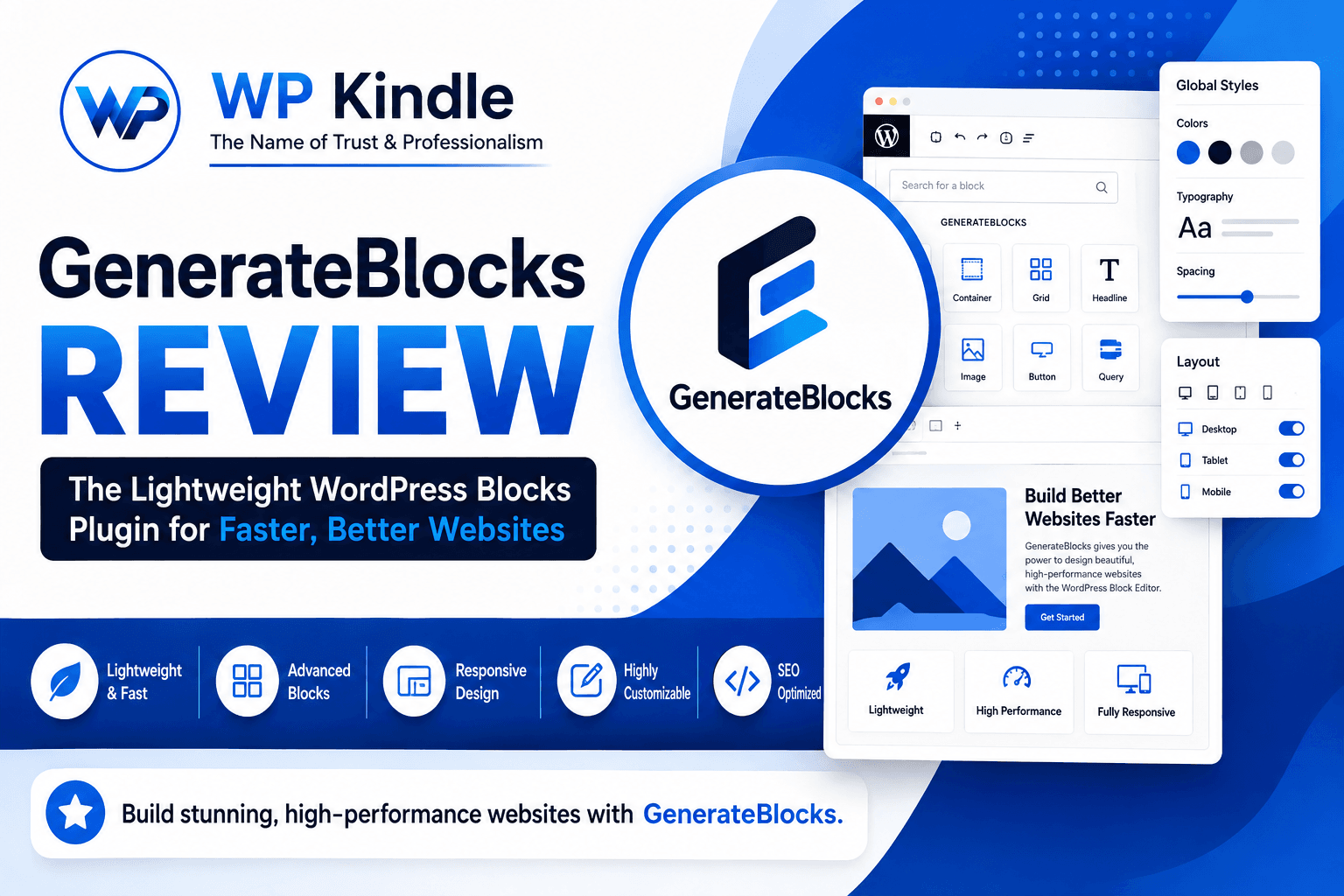
If you want to build fast, modern, and highly customizable WordPress websites without relying on heavy page builders, GenerateBlocks deserves your attention.
In this detailed GenerateBlocks review, we’ll look at what GenerateBlocks is, its features, performance, GenerateBlocks Pro, customization options, dynamic content, SEO potential, pros and cons, and whether it is worth using in 2026.
GenerateBlocks is designed to work especially well with GeneratePress, but it is not limited to the GeneratePress Theme. It can also be used with other WordPress themes.
What Is GenerateBlocks?
GenerateBlocks is a lightweight WordPress block plugin that extends the native WordPress Block Editor with more advanced layout and design controls.
Instead of providing dozens of specialized blocks, GenerateBlocks takes a more focused approach. Its core blocks provide the building blocks needed to create complete website layouts.
The current GenerateBlocks ecosystem includes tools for:
- Containers and sections
- Grids and layouts
- Headings and text
- Buttons
- Images
- Query-based content
- Dynamic content
- Responsive layouts
- Custom SVG icons
- Advanced styling
The philosophy behind GenerateBlocks is simple: give users powerful foundational blocks rather than loading a huge collection of unnecessary elements.
GenerateBlocks Free vs. GenerateBlocks Pro
One of the first questions users have is whether they should use the free version or upgrade to GenerateBlocks Pro.
GenerateBlocks Free
The free version provides an impressive foundation for creating WordPress websites.
You can use blocks such as:
- Container
- Grid
- Text/Headline
- Button
- Image
- Query
You also get responsive design controls and a range of typography, spacing, color, sizing, and layout options. (WordPress.org)
For simple blogs, landing pages, and basic business websites, the free version can be enough.
GenerateBlocks Pro
GenerateBlocks Pro is aimed at users who need more advanced design and dynamic-content functionality.
Depending on the feature set you’re using, Pro adds capabilities such as:
- Advanced dynamic data
- Global Styles
- Advanced backgrounds
- Effects
- Additional pattern resources
- More advanced responsive controls
- Custom attributes
- More powerful design workflows
The Global Styles system is particularly useful for maintaining consistent typography, colors, spacing, buttons, and other design elements throughout a website.
GenerateBlocks Performance Review
Performance is probably the biggest reason developers choose GenerateBlocks.
Many page builders provide hundreds of widgets and features, but that flexibility can also introduce additional CSS, JavaScript, HTML, and dependencies.
GenerateBlocks follows a more minimalist philosophy.
The developers describe it as a lightweight block collection that generates only the CSS required for the blocks being used, with clean HTML output and no unnecessary code dependencies.
That makes GenerateBlocks particularly attractive for:
- Core Web Vitals-focused websites
- SEO websites
- Affiliate websites
- Blogs
- Business websites
- WooCommerce stores
- Client websites
- High-performance landing pages
However, there is an important distinction:
GenerateBlocks can help you build a fast website, but it does not automatically make every website fast.
Hosting, images, fonts, plugins, caching, third-party scripts, database performance, and website architecture still matter.
GenerateBlocks and GeneratePress
The combination of GeneratePress + GenerateBlocks is where the ecosystem becomes particularly powerful.
GeneratePress provides the lightweight theme foundation, while GenerateBlocks provides additional layout and design controls inside the WordPress Block Editor.
This allows you to build custom layouts without necessarily depending on Elementor, Divi, or another large page-builder ecosystem.
You can create:
- Hero sections
- Service sections
- Pricing tables
- Testimonials
- Feature grids
- Blog layouts
- Custom archives
- Team sections
- Call-to-action sections
- Landing pages
- Custom headers and footers
GenerateBlocks can also work with themes other than GeneratePress, which gives developers additional flexibility. (WordPress.org)
GenerateBlocks Global Styles
One of the strongest GenerateBlocks Pro features is Global Styles.
Global Styles allow you to create reusable CSS classes and apply them across multiple blocks.
For example, you could create a global style for your primary buttons and use it throughout your website.
If you later change that global style, the change can be reflected wherever that class is used.
This is extremely useful for maintaining a consistent design system.
For agencies and developers building multiple client websites, this can significantly improve the development workflow.
GenerateBlocks Dynamic Data
GenerateBlocks becomes much more powerful when you start working with dynamic content.
Its dynamic-data functionality can work with content such as:
- Post titles
- Featured images
- Post dates
- Categories
- Authors
- Custom post types
- Post meta
- Product content
- Dynamic links
For example, you can create a reusable card layout and use it inside a Query block to automatically display your latest posts or other content.
This makes GenerateBlocks useful for more than simple page design.
It can also be used for building dynamic WordPress websites.
GenerateBlocks Query and Dynamic Content
The Query functionality is another reason GenerateBlocks stands out.
Instead of manually creating every post card, you can design one layout and have WordPress populate it with content.
This can be useful for:
- Blog archives
- Related posts
- Category listings
- Product listings
- Portfolio items
- Custom post types
- Author listings
- Magazine layouts
You can combine Query functionality with GenerateBlocks’ layout and dynamic-content features to create highly customized content displays.
For content-heavy websites, this can save a considerable amount of development time.
GenerateBlocks Pattern Library
GenerateBlocks also provides a pattern-based workflow.
The Pattern Library includes ready-made wireframe-style sections that can be inserted into your pages and then customized.
The GenerateBlocks team introduced a library containing more than 200 mid-fidelity wireframe patterns, while the free version also includes a collection of patterns.
These patterns are particularly useful when you want to:
- Start with a basic layout.
- Import the section.
- Replace the content.
- Adjust colors and typography.
- Customize spacing.
- Match your brand.
This is much faster than designing every section from an empty canvas.
GenerateBlocks Responsive Design
Responsive design is another important part of GenerateBlocks.
You can control layouts and styling for different screen sizes, allowing you to create separate desktop, tablet, and mobile configurations.
This is especially useful for:
- Column layouts
- Typography
- Spacing
- Visibility
- Widths
- Grid structures
- Responsive sections
GenerateBlocks’ responsive controls are designed to give developers more precise control over how layouts behave across devices. (WordPress.org)
GenerateBlocks for SEO
GenerateBlocks is not an SEO plugin, but it can contribute to an SEO-friendly WordPress setup.
The most important advantage is its performance-focused approach.
A lightweight page-building system can help you avoid unnecessarily large page structures, which can make performance optimization easier.
For GenerateBlocks SEO, I recommend combining it with a proper SEO strategy that includes:
- Semantic HTML
- Proper heading hierarchy
- Optimized images
- Descriptive image alt text
- Internal linking
- Schema markup
- Fast hosting
- Caching
- Core Web Vitals optimization
- Mobile-friendly design
- High-quality content
GenerateBlocks itself provides controls for things such as HTML elements, custom attributes, responsive layouts, and dynamic content, giving developers considerable control over the underlying structure.
Important: Your SEO results depend on the entire website, not simply which page builder or block plugin you choose.
GenerateBlocks vs. Elementor
GenerateBlocks and Elementor take quite different approaches to WordPress website development.
| Feature | GenerateBlocks | Elementor |
|---|---|---|
| WordPress Block Editor | ✅ Yes | ❌ No |
| Lightweight approach | ✅ Yes | More feature-heavy |
| Visual drag-and-drop | Limited | ✅ Yes |
| Advanced layout control | ✅ Yes | ✅ Yes |
| Dynamic content | ✅ Yes | ✅ Yes |
| Global styling | ✅ Yes | ✅ Yes |
| Performance focus | ⭐⭐⭐⭐⭐ | ⭐⭐⭐⭐ |
| Learning curve | Moderate | Easier initially |
| Developer friendly | ⭐⭐⭐⭐⭐ | ⭐⭐⭐⭐ |
| GeneratePress integration | ⭐⭐⭐⭐⭐ | ⭐⭐ |
If you prefer a traditional visual page builder with a large widget collection, Elementor may feel more intuitive.
If you prefer Gutenberg, clean layouts, performance, and developer-level control, GenerateBlocks can be a better fit.
GenerateBlocks Pros and Cons
Pros
- Lightweight architecture
- Excellent performance potential
- Works with the native WordPress Block Editor
- Excellent GeneratePress integration
- Can work with other themes
- Powerful responsive controls
- Dynamic content capabilities
- Query functionality
- Global Styles
- Pattern Library
- Developer-friendly
- Excellent for custom websites
- Less dependence on heavy page builders
Cons
- Takes time to learn properly
- Doesn’t provide hundreds of ready-made widgets
- Some advanced features require Pro
- Beginners may initially find the container/layout system confusing
- Complex designs may require a better understanding of CSS and website structure
GenerateBlocks deliberately focuses on a smaller collection of powerful building blocks rather than competing with large block libraries through sheer quantity.
Is GenerateBlocks Easy to Learn?
This depends on your background.
If you’ve used Elementor, Divi, or another traditional visual builder, GenerateBlocks may initially feel different.
Instead of thinking primarily in terms of individual widgets, you’ll often think in terms of:
Container → Inner Container → Grid → Content
This approach is closer to how HTML and CSS layouts actually work.
Once you understand containers, flexbox/grid, spacing, typography, and responsive breakpoints, GenerateBlocks becomes considerably easier to use.
For developers, this can actually be an advantage.
Who Should Use GenerateBlocks?
GenerateBlocks is an excellent option for:
- WordPress developers
- Freelancers
- Agencies
- Bloggers
- Affiliate marketers
- SEO professionals
- Business websites
- WooCommerce developers
- Magazine websites
- News websites
- High-performance websites
It is particularly suitable for developers who want to build websites using GeneratePress + GenerateBlocks instead of relying on heavy page builders.
Who Should Not Use GenerateBlocks?
GenerateBlocks may not be the best option for someone who wants:
- Hundreds of widgets
- A completely freeform visual canvas
- A traditional drag-and-drop page builder
- Almost no learning curve
- Highly complex animations without additional work
If you simply want to drag a widget onto a canvas and visually design everything without thinking much about HTML structure, another builder may be easier.
Is GenerateBlocks Pro Worth It?
For simple websites, GenerateBlocks Free may be sufficient.
But if you’re a developer or agency building professional WordPress websites regularly, GenerateBlocks Pro becomes much more attractive.
Features such as Global Styles, advanced effects, dynamic functionality, patterns, and additional controls can make the development process faster and more scalable.
For someone building one simple blog, Pro may not be necessary.
For someone building multiple custom websites, GenerateBlocks Pro can be a worthwhile investment.
GenerateBlocks Review: Our Final Verdict
After looking at performance, customization, responsive controls, dynamic content, Global Styles, Query functionality, and overall usability, GenerateBlocks is one of the most compelling block-based solutions for WordPress users who prioritize performance.
Its biggest strength is also its biggest difference from traditional page builders:
GenerateBlocks doesn’t try to give you everything. It gives you a small set of powerful tools and lets you build with them.
Combined with GeneratePress, it provides a particularly strong foundation for fast, flexible, SEO-friendly WordPress websites.
GenerateBlocks Rating
| Category | Rating |
|---|---|
| Performance | ⭐ 5/5 |
| Customization | ⭐ 4.8/5 |
| Responsive Design | ⭐ 5/5 |
| Dynamic Content | ⭐ 4.8/5 |
| SEO Foundation | ⭐ 4.8/5 |
| Ease of Use | ⭐ 4.3/5 |
| Developer Experience | ⭐ 5/5 |
| Overall | ⭐ 4.8/5 |
Final Verdict
GenerateBlocks is highly recommended for WordPress developers, agencies, bloggers, and website owners who want a lightweight alternative to traditional page builders.
If your goal is to build fast, clean, scalable, and highly customizable WordPress websites, the combination of GeneratePress + GenerateBlocks Pro is definitely worth considering.
GenerateBlocks isn’t necessarily the easiest WordPress builder to learn—but once you understand its approach, it can be one of the most powerful and performance-focused ways to build with WordPress.